Before: tab chaos
- Customer messages buried under notifications
- Staff share one login, so nobody knows who replied
- Follow-ups forgotten and leads go cold
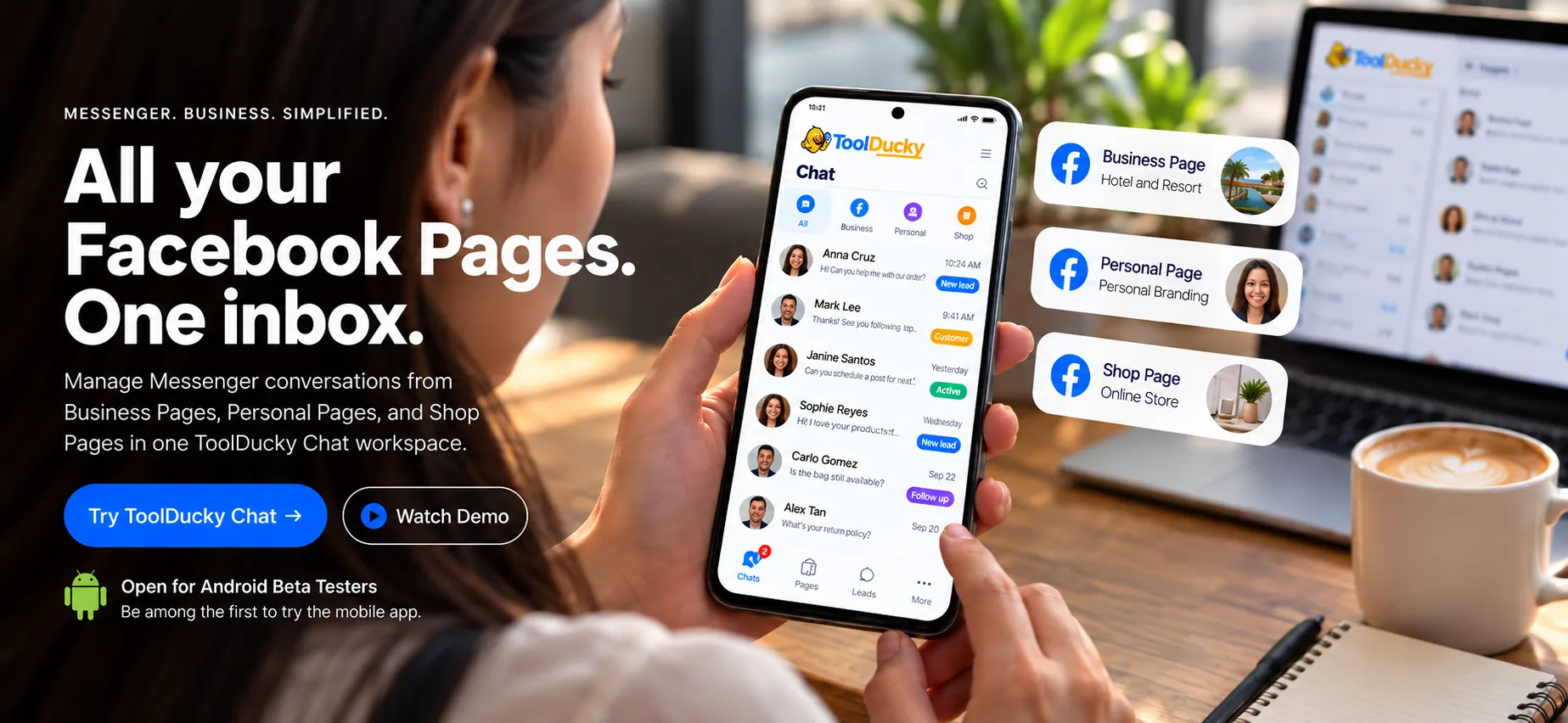
Stop hopping between Page inboxes. See, label and reply to every Messenger conversation from all your Pages in one shared team workspace.

Can you send me the details?
Payment sent, thank you!
I'd like to reserve for Saturday.
Is the bag still available?
Bring every Page into one inbox, so nothing slips through.
How much is shipping to Singapore?
My order hasn't arrived yet.
How much for 2 guests this Saturday?
Do you accept walk-ins?
I'd like to reserve for Saturday.
Log in with Facebook and pick the Pages you manage. Meta's official permissions, no password sharing.
Set up labels, saved replies and Page filters that match how your business sells.
Invite staff, assign chats and keep every follow-up visible on desktop and phone.
See which Page needs a reply without opening five tabs.
Handle several clients' Pages from one working view, each clearly labeled.
Give staff a shared workflow for inquiries, bookings and after-sales support.
Join the private Android beta. Try new builds early and tell us what works, what breaks, and what would make your day easier.
Some third-party integrations may be unavailable while platform approvals are pending. Beta rewards are for testing and honest feedback, not for ratings or reviews.
Prices in USD per workspace, per month. Paid plans open soon; start on Free today and keep everything when you upgrade.
$0/month
$8.99/month
$13.99/month
$22.99/month
*Subject to Meta's platform limits and fair use.
Free and Starter include up to 3 Facebook Pages, Growth up to 5, and Pro up to 10. You can only connect Pages you're allowed to manage on Facebook.
Yes. You connect through Meta's official login and permissions, and ToolDucky only touches the Pages you approve. You never share your Facebook password, and you can remove access at any time.
Always. Every conversation shows its Page badge, so replies go out with the right context.
You won't need to. Everyone gets their own account and role, so you always know who replied to whom.
Yes. The app is in English, but you can chat with customers and write saved replies in any language they use.
Instagram can be connected as an optional extra channel. Facebook Pages and Messenger are the core of ToolDucky Chat.
Open your ToolDucky Chat workspace and stop switching inboxes.
Start free, no credit card